

GameDock
Free
For as long as you like · no card
- Every store and game
- Achievements and wishlists
- Series and the PC you play on
- This week in Insights, and Year in Games
- Export and your own API
Your games
Your money
Your setup
New here?
See it set up, step by step.
Most people are done in about ten minutes.
Works withSteam · PlayStation · Xbox · GOG · Epic Games · RetroAchievements · Emulators · Lutris and Heroic · Standalone PC games · Physical media
What do you use today?
Not sure?
The differences that matter most.
Every tool at a glance, and where each is still the better choice.
Nothing to move overGameDock reads the same stores directly, so you can keep using what you like beside it.
Free for your whole library
Connect Steam, PlayStation, Xbox, GOG and Epic Games once. GameDock brings in your games, playtime and achievements, then keeps them up to date on its own.
No card · Your store passwords never leave your browser · About ten minutes to set up
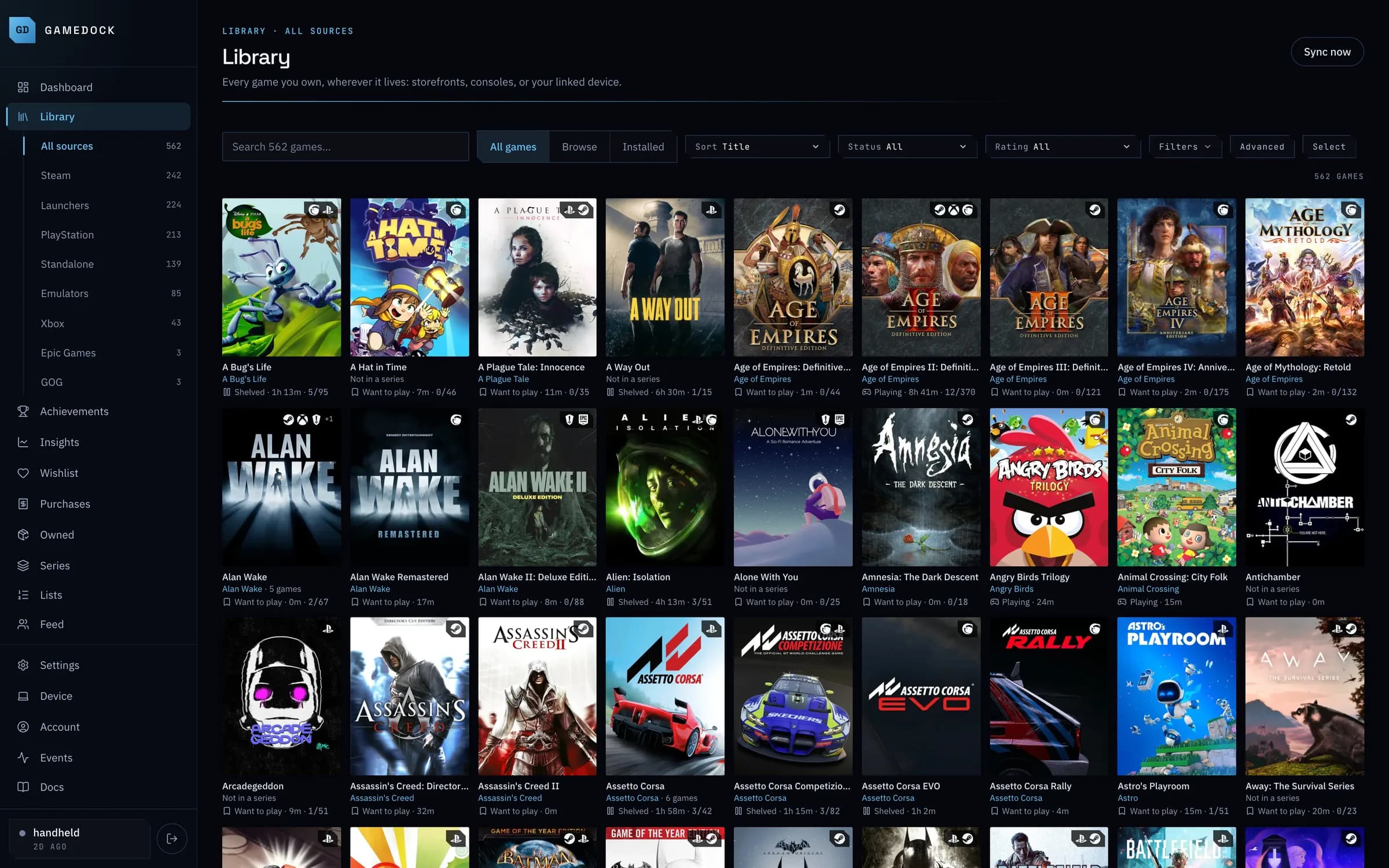
562 games · 10 sources
Every store, one library.
Brings together
Why people switch
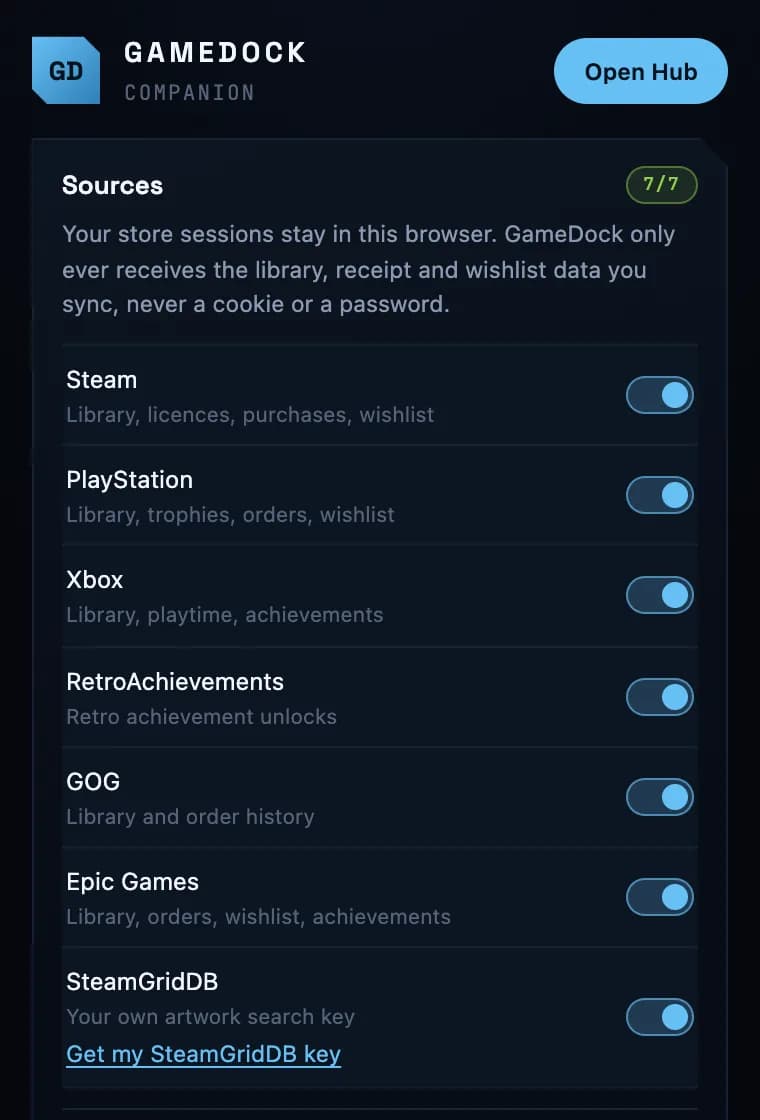
01 · It fills itself in
GameDock reads the stores you are already signed in to, so private profiles work and nothing needs adding by hand.
How syncing works02 · It knows what you paid
Steam, PlayStation, GOG and Epic Games orders, set beside what the same games sell for today.
Spending and value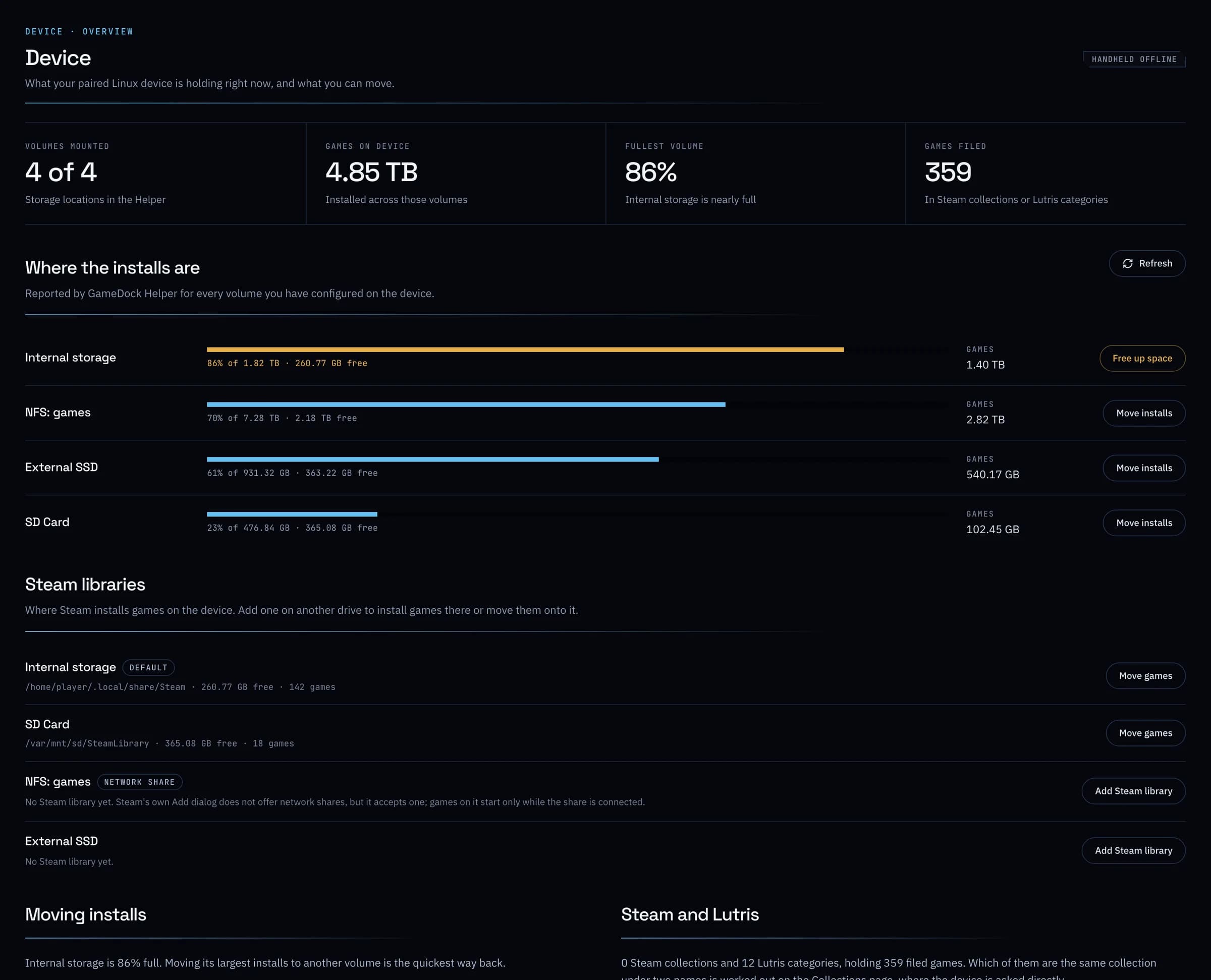
03 · It sees your PC
GameDock Helper finds your Steam, Lutris, Heroic, emulator and standalone games, and backs up your saves after every session.
On your deviceOne game, every platform
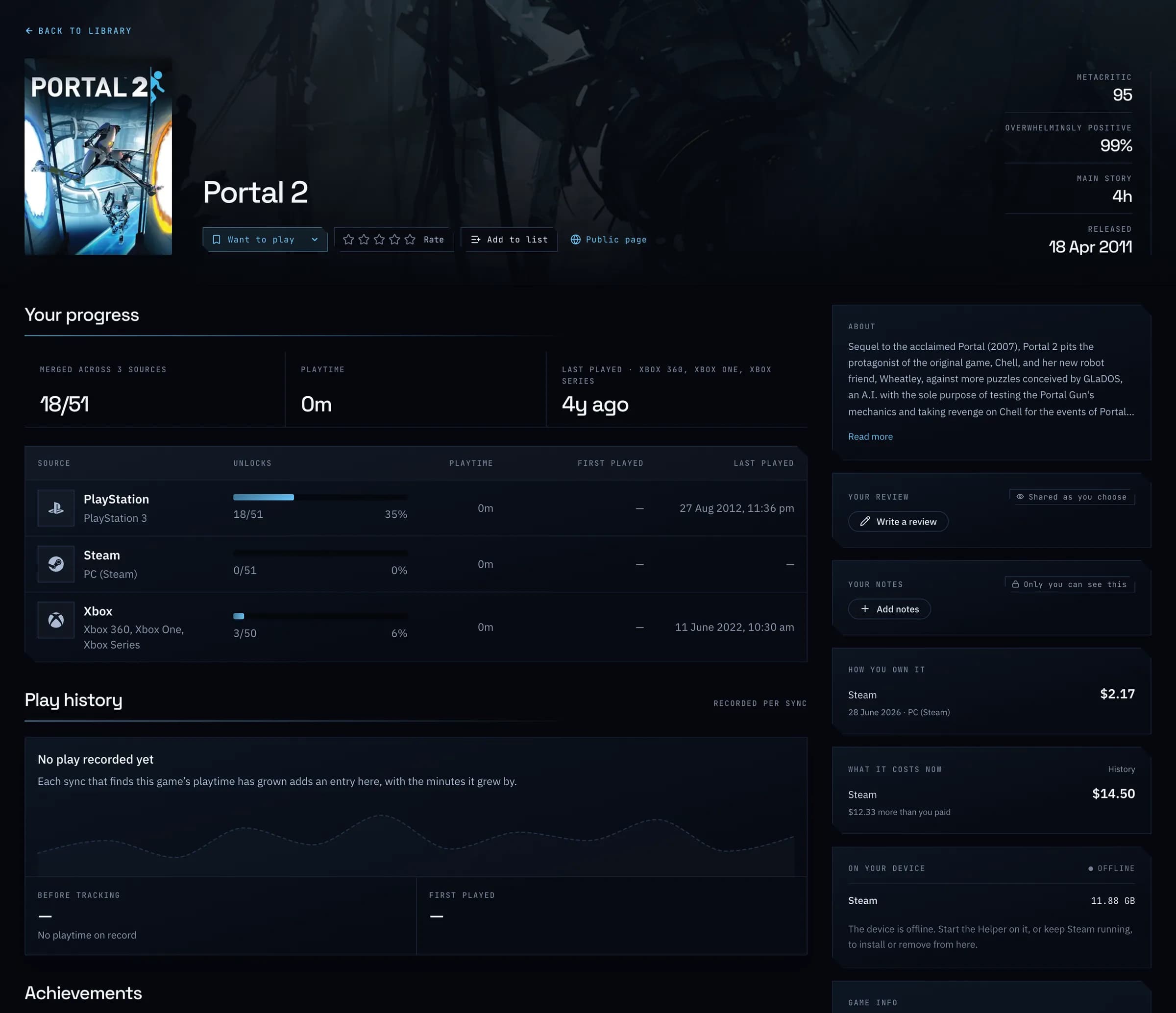
Bought Portal 2 on Steam, PlayStation and Xbox over the years? It is one entry, with everything added up.
Everything in one place
Every store in one grid, each game shown once.
Take a look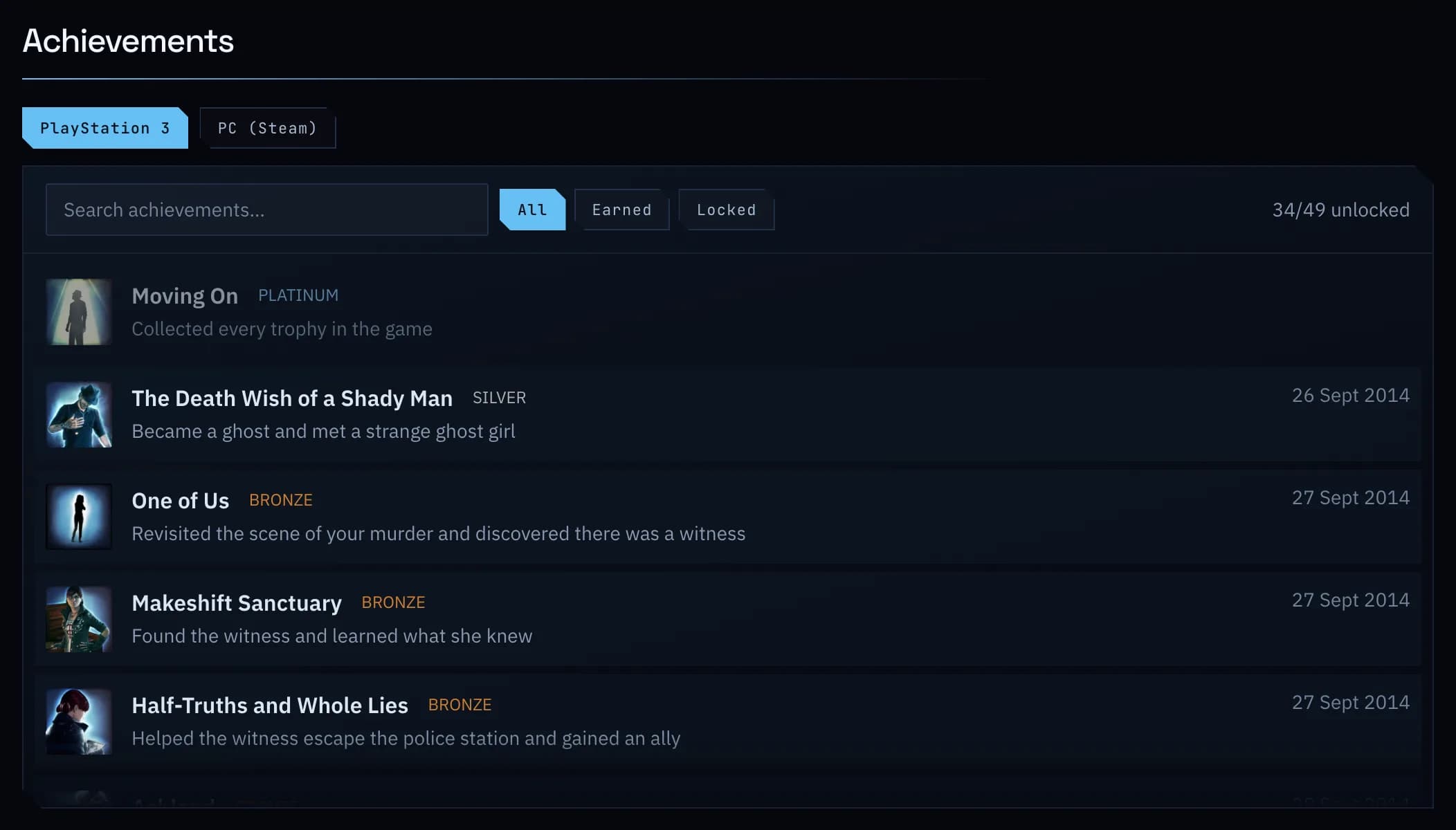
Trophies and achievements from every platform, together.
Take a look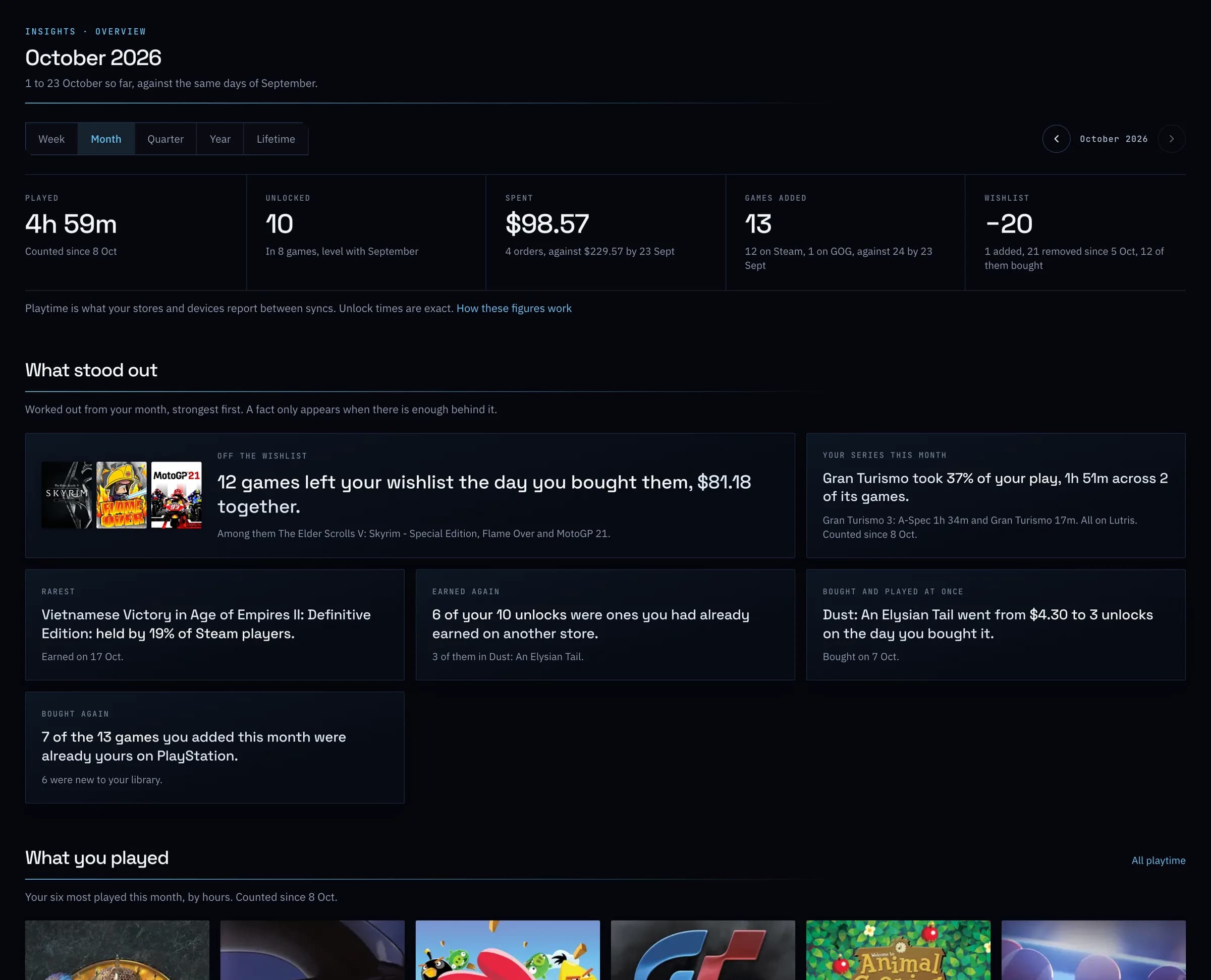
Your week, month or year in figures, and what stood out.
Take a look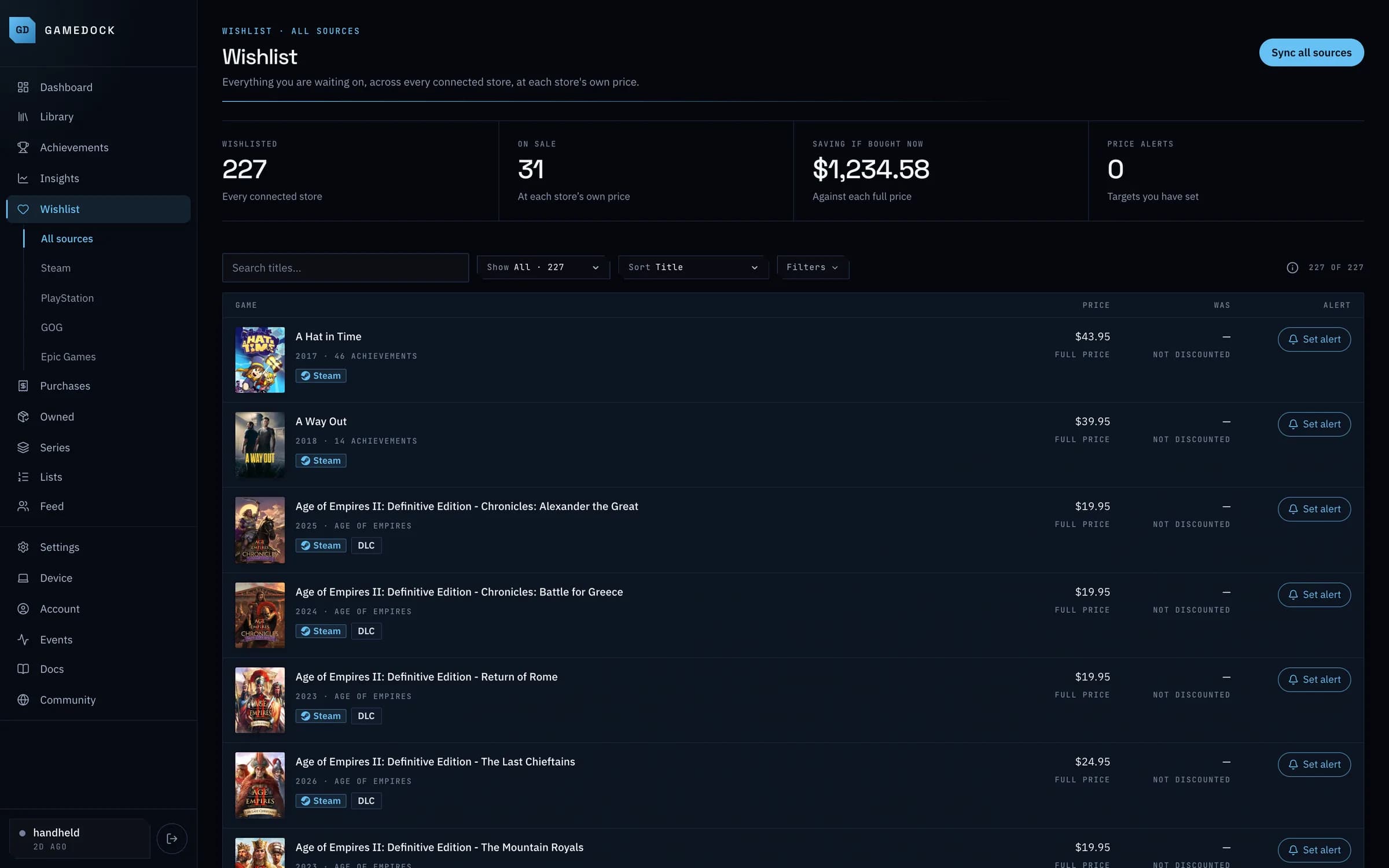
Every wishlist in one list, with price alerts.
Take a look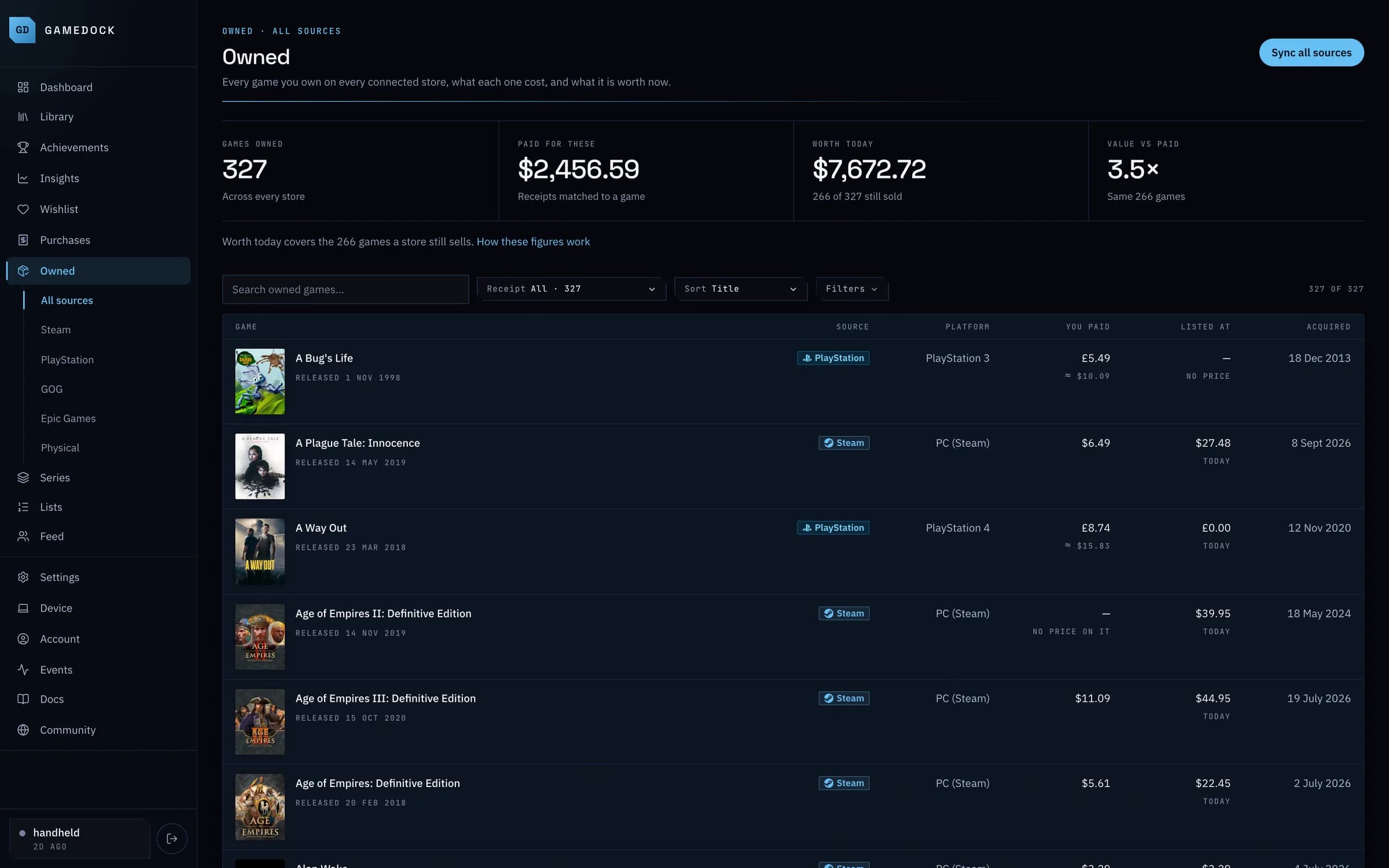
What you paid, and what it's worth today.
Take a lookInstalled games, drive space and save backups.
Take a lookAlready use something?
GameDock sits beside the tools you already use. Pick yours to see what carries over and what you gain.
Compare them allGetting started
Step 1 · Takes a minute
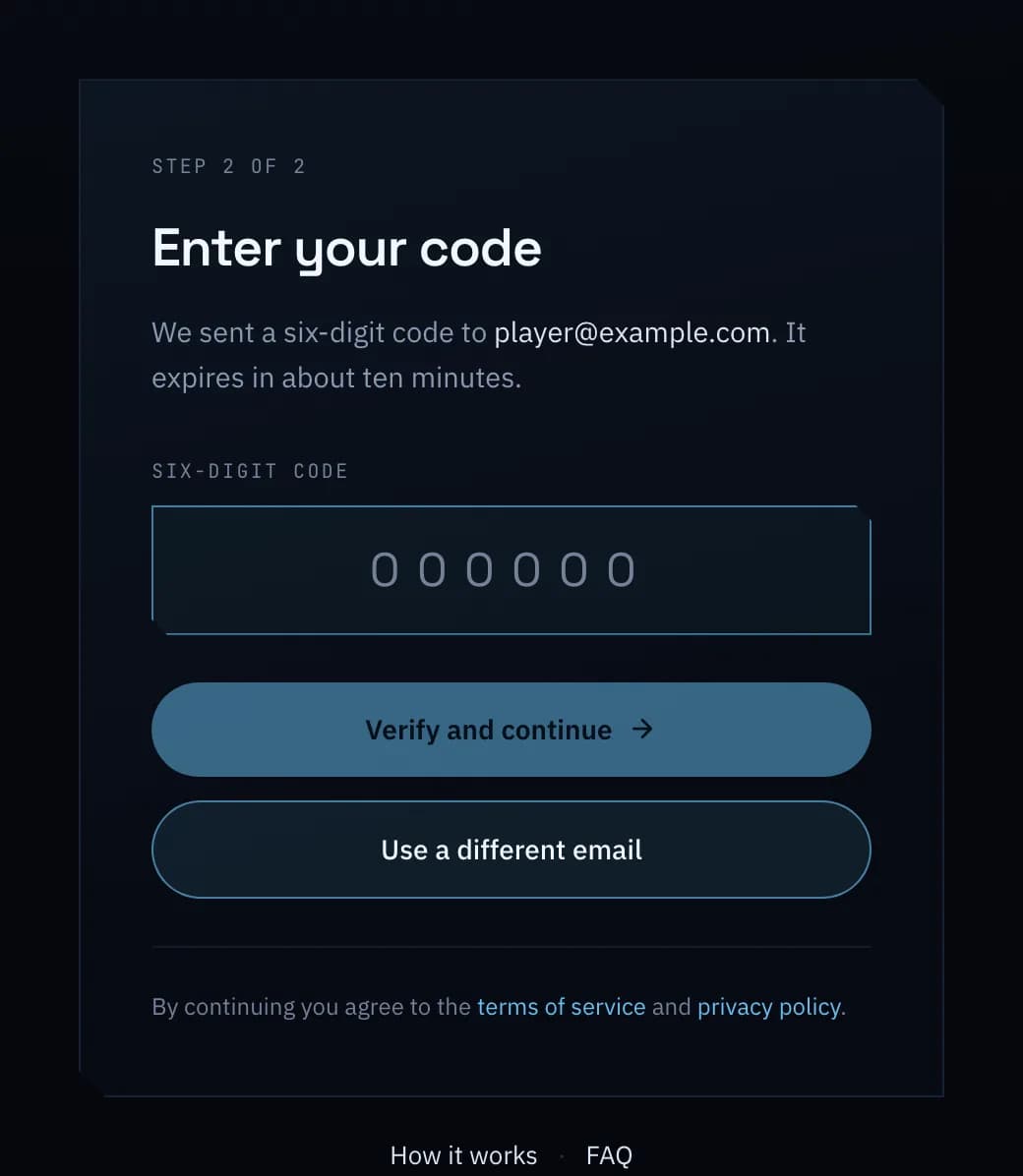
Enter your email address, and GameDock sends you a six-digit code. That code creates your account the first time you use it. Then you choose a username.
Step 2 · One click
GameDock Companion is a small Chrome extension. It reads your games from the store websites you are already signed in to, so you never hand over a password, and your store sign-ins never leave your browser.
562
games · 10 sources
Step 3 · Then it runs itself
In Settings, press Refresh connections and GameDock links every store you are signed in to at once. Press Sync, and your games, playtime and achievements arrive. From then on, GameDock keeps them up to date on its own.
Private by default
Share nothing unless you choose to. What you paid is never shown to anyone.
No store passwords
Your store sign-ins stay in your own browser.
Export everything
Your whole library as a file or as spreadsheets, on the free plan.
Leave any time
Delete your account yourself, straight away, with everything in it.
Pricing
Every store, every game and every achievement, with no limit on size. Plus is there if you want more.
Compare the plansGameDock
Free
For as long as you like · no card
GameDock Plus
$4.49
a month, billed yearly · plus tax where applicable
Create your account, connect a store, and watch your library fill itself in. Free, and no card.