Features · Series
Every series together, in the order it came out.
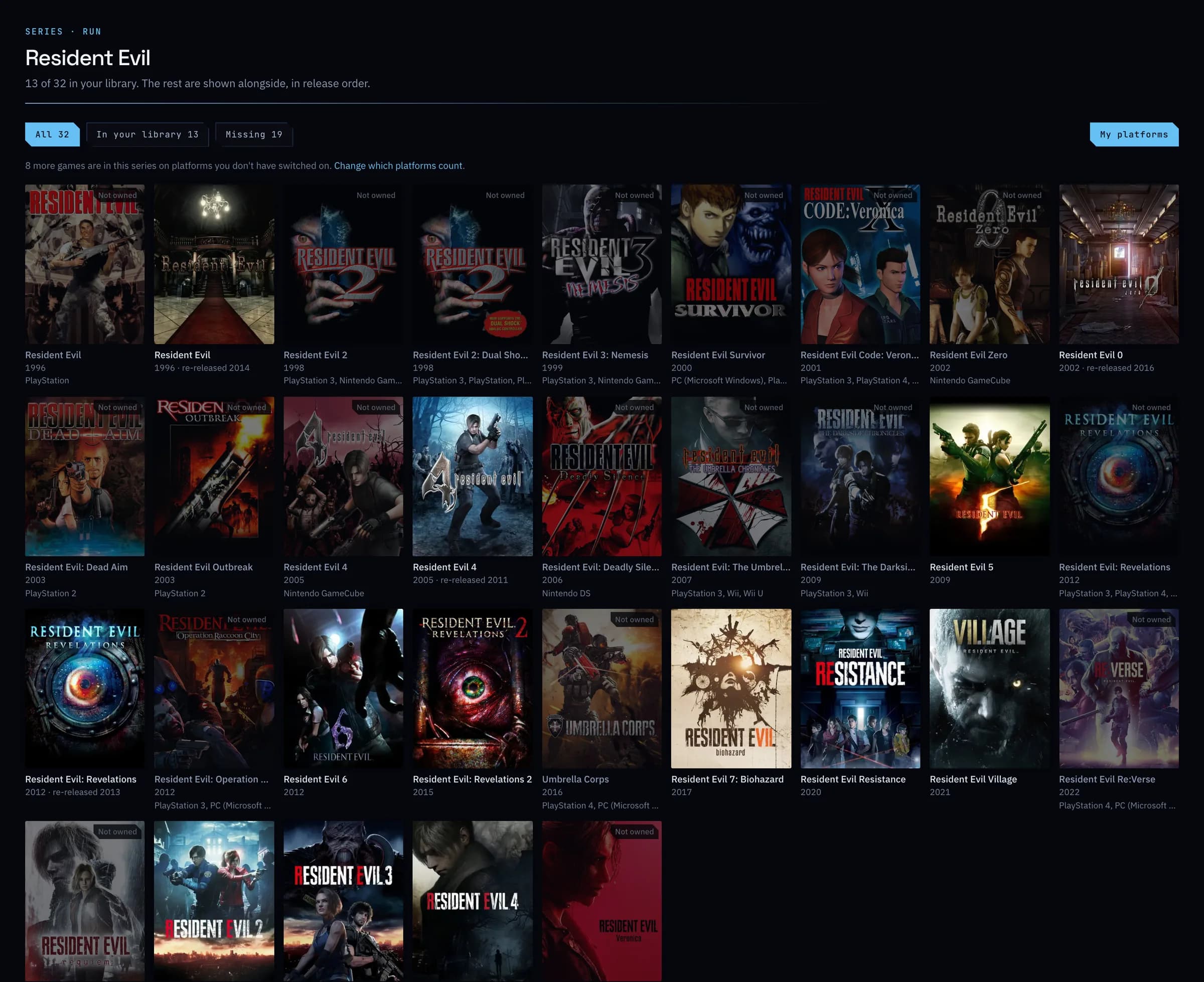
Group by series and a franchise sits together, instead of spread across the alphabet. Open one to see every game in it, the ones you own beside the ones you have not got yet.
- Free
- Plus: which games are missing
01
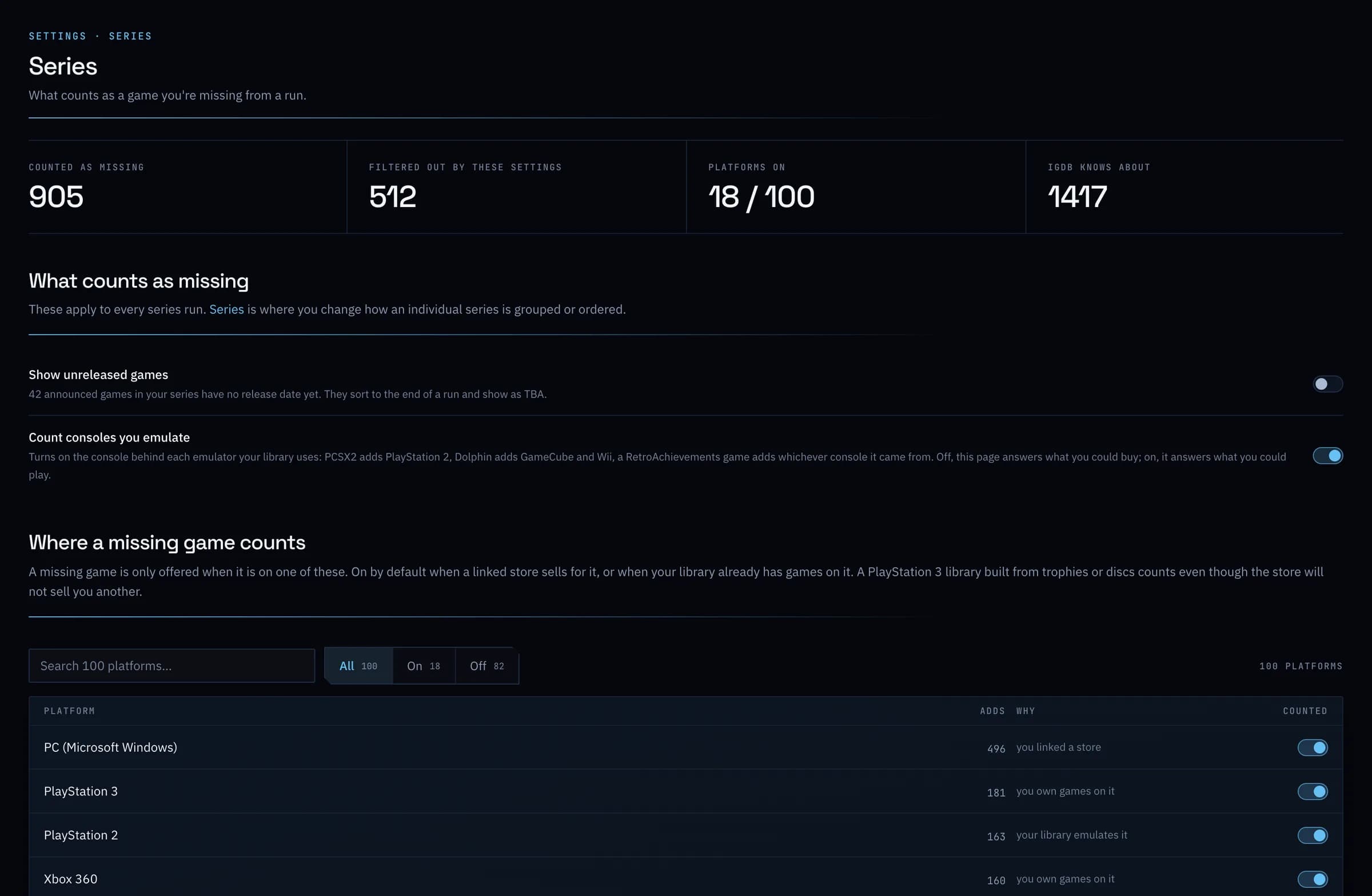
Choose what counts as missing.
Pick the platforms a missing game counts on, and whether the consoles you emulate count too, so a run shows what you could actually buy or play. How many games you are short is free; which games they are is part of Plus.
Everything it does
Series, in full.
- Series kept together
- Group by series and every Resident Evil sits together in the order they came out, instead of spread across the alphabet. A game that names no series in its title, like Lara Croft and the Guardian of Light, still lands in the right place.
- See what you are missingPlus
- Open a series to see every game in it, with the ones you do not own beside the ones you do. How many you are short is free; which games they are is part of Plus.
- Adjust a seriesPlus
- Fold a spin-off series into its parent, move a game into another series, leave one out, or put remakes last. Every change can be undone.
- Plus · Part of GameDock Plus. Everything without this note is on the free plan.
What are series?
GameDock knows which series each game belongs to, such as Tomb Raider or Resident Evil, so a series stays together in your library in release order instead of scattering across the alphabet. A series page shows the games you own and how many you are missing. GameDock Plus also names the missing ones, and lets you move a game GameDock has grouped wrongly.
See it with your own library.
Connect a store, and this is filled in from your own games after the first sync.