Features · Spending and value
Know what your games cost you, and what they're worth now.
GameDock reads your receipts from every store, matches each purchase to the game it bought, and sets the lot beside what those games sell for today.
- Free: last 12 months
- Plus: all of it
- Uses GameDock Companion
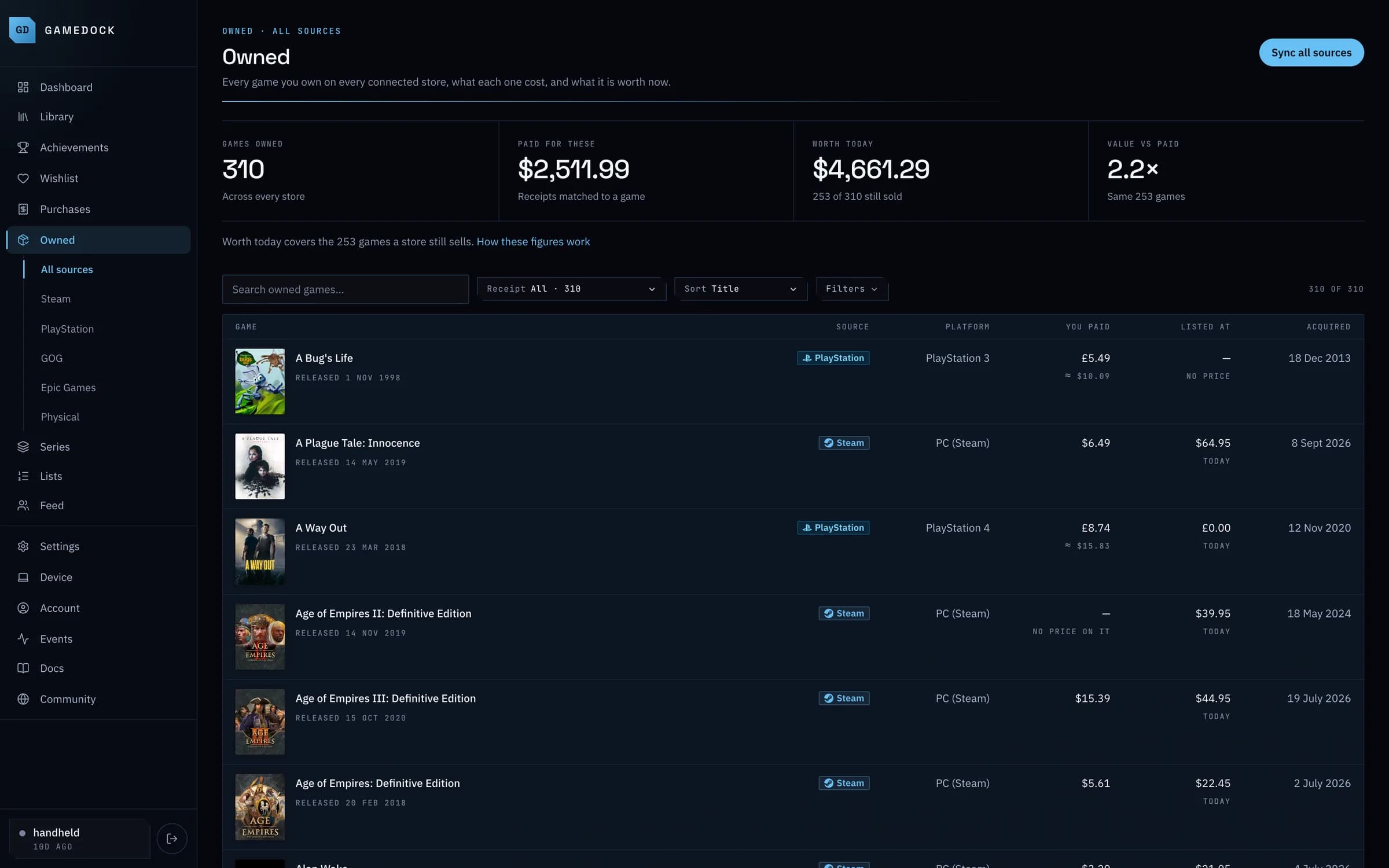
From a real GameDock library
- Games owned
- 310
- Across every store
- Paid for these
- $2,511.99
- Receipts matched to a game
- Worth today
- $4,661.29
- 253 still on sale
- Value vs paid
- 2.2×
- Same 253 games
01
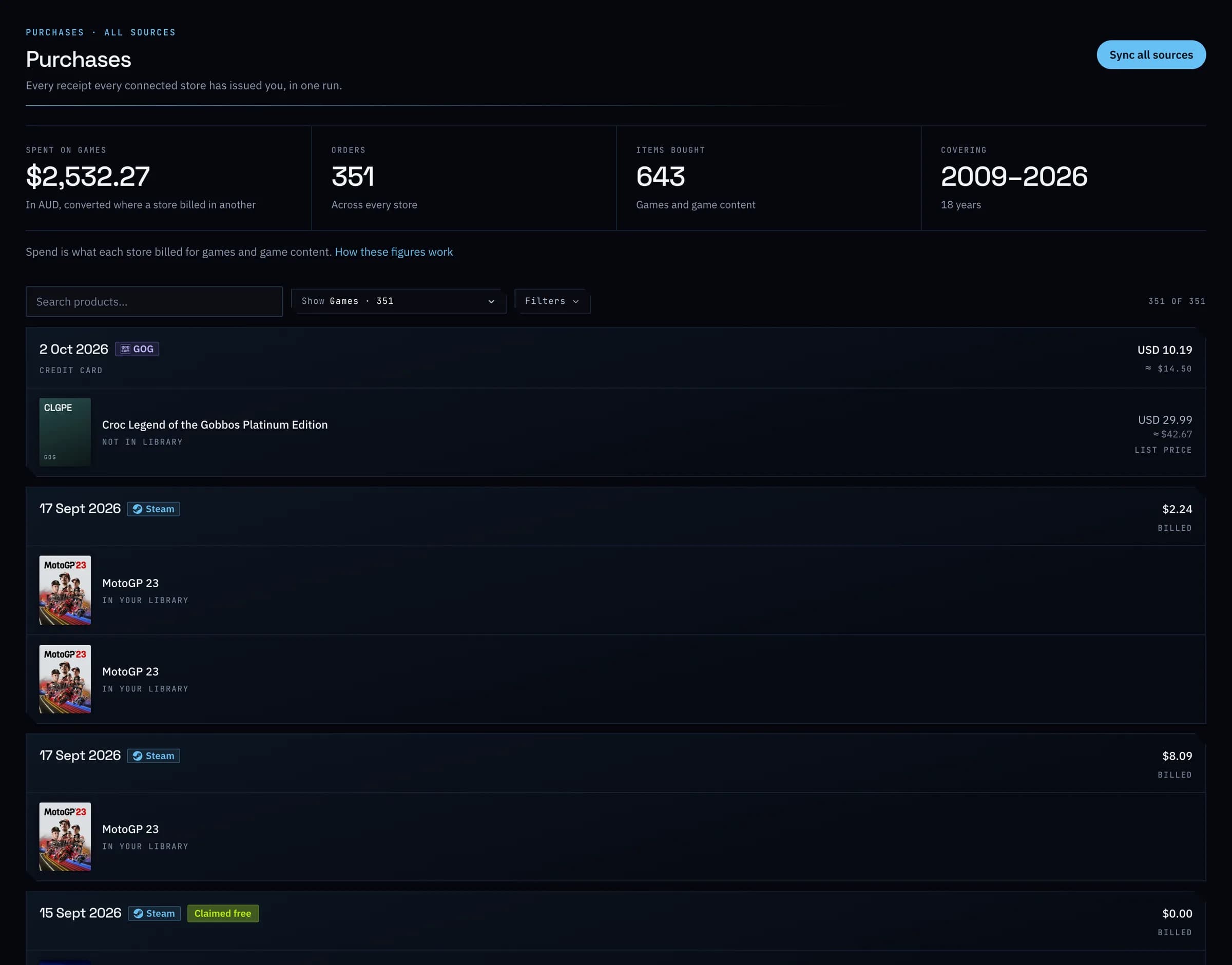
Every receipt, matched to its game.
Steam receipts, PlayStation order history, and GOG and Epic Games orders, plus the physical media you add yourself. Spending counts what each store actually charged, and leaves out money added to a wallet.
02
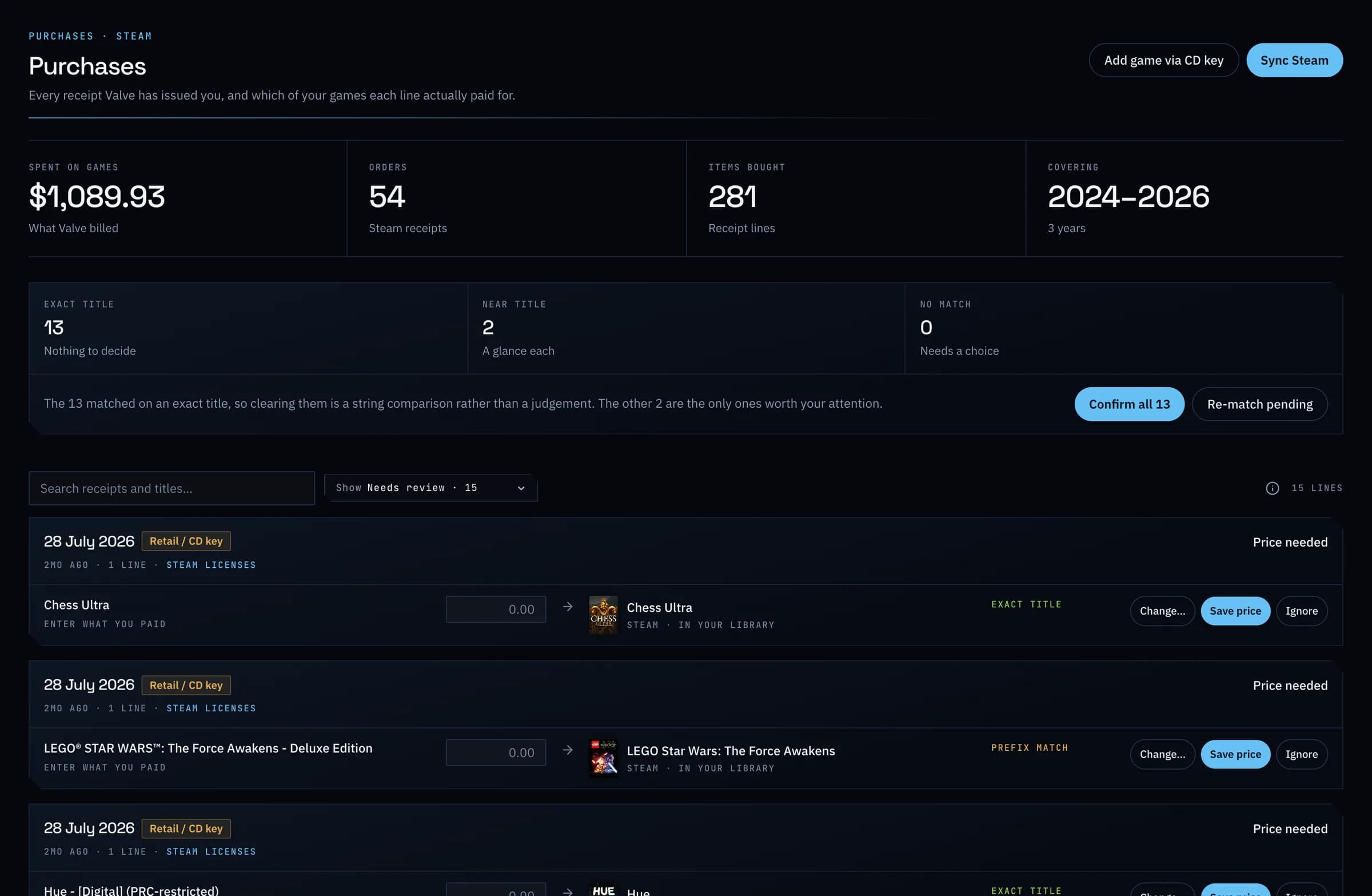
Check the matches in minutes.
Most Steam purchases match themselves. The rest wait in a short queue: confirm the lot, pick the right game for the odd one out, or record what you paid for a key you bought elsewhere.
Everything it does
Spending and value, in full.
- What you actually paidCompanion
- Your Steam receipts, PlayStation order history, and GOG and Epic Games orders, with each purchase matched to the game it bought, and your physical media added in. Spending counts what each store actually charged, and leaves out money added to a wallet. The free plan covers the last twelve months.
- Check the matches in minutes
- Most Steam purchases match themselves. The rest wait in a short queue: confirm the lot, pick the right game for the odd one out, or record what you paid for a key you bought elsewhere.
- Activate a Steam key from GameDockCompanion
- Paste a key, and GameDock activates it on your Steam account, records what you paid, and can start installing it on the PC you play on.
- What your games are worth
- What you paid for your games beside what they cost in their stores today, and your Steam library's value over time.
- Any currency
- Choose the currency you want to see. Each purchase converts at the exchange rate on the day you paid, and today's prices at today's rate, so the figures mean something.
- Companion · Runs through GameDock Companion in your browser each time, not only when you connect a store. About GameDock Companion
What is the difference between what I paid and what my library is worth?
What you paid comes from your receipts: Steam, PlayStation, GOG and Epic Games orders, and the price you gave for each physical copy. What your library is worth is what the same games would cost in the stores today. The two are rarely the same, because sales, bundles and keys mean most people have paid far less than the games list for.
Can other people see what I spent?
No, and they never will. What you paid, prices, your target prices, your library's value, your devices, your private notes, your store accounts and your email address have no sharing setting at all, so there is no way to share them, even by mistake. A shared profile shows games, not money.
What does GameDock store?
Your library, playtime and achievements, your ratings, reviews, notes and lists, what you paid, and the limited access keys PlayStation, Xbox and GOG issue for reading your account, along with your RetroAchievements key and, if you add one, your SteamGridDB key. The keys are encrypted. GameDock never stores your store passwords, your Steam and Steam Help sign-ins, or your PlayStation sign-in cookie: those stay in your browser, and the Companion uses them there. Epic Games is read through your browser each time, so GameDock holds nothing for it.
See it with your own library.
Connect a store, and this is filled in from your own games after the first sync.