Keep Infinite Backlog for
What it does best.
Free automatic sync, with a dated log of each playthrough and the sessions in it.
- A dated log of every playthrough
- Adding any game by hand
Your games
Your money
Your setup
New here?
See it set up, step by step.
Most people are done in about ten minutes.
Works withSteam · PlayStation · Xbox · GOG · Epic Games · RetroAchievements · Emulators · Lutris and Heroic · Standalone PC games · Physical media
What do you use today?
Not sure?
The differences that matter most.
Every tool at a glance, and where each is still the better choice.
Nothing to move overGameDock reads the same stores directly, so you can keep using what you like beside it.
Switch from · Infinite Backlog
Add Epic Games, what you paid, and private profiles.
Keep Infinite Backlog for
Free automatic sync, with a dated log of each playthrough and the sessions in it.
GameDock adds
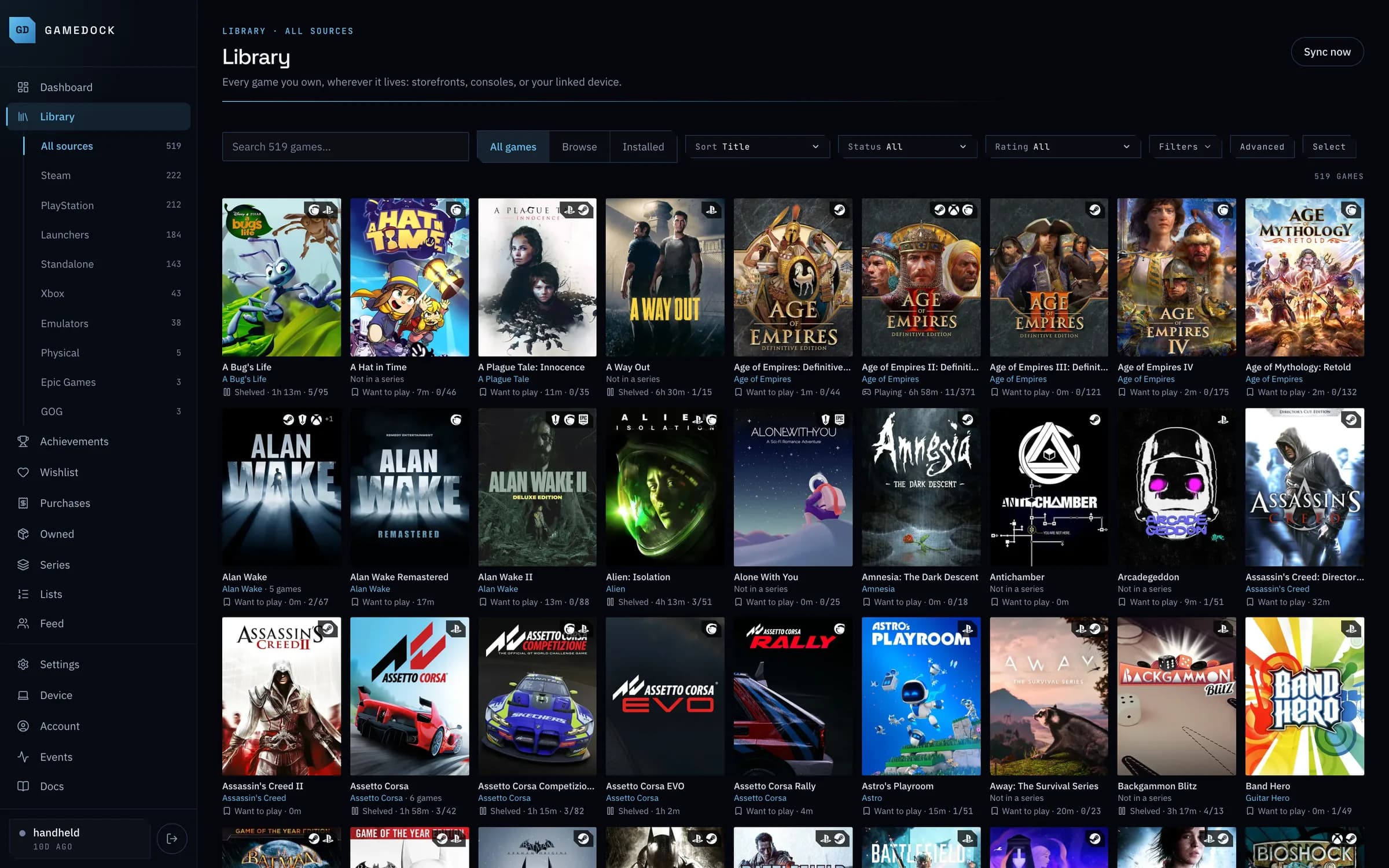
One library that fills itself in from every store you use.
Side by side
Knowing you own a GOG or Epic title, whether or not it is installed anywhere.
GameDock: Both link through the Companion: library, orders and wishlist.
Infinite Backlog: GOG, not Epic.
RPCS3, Xenia, PCSX2, DuckStation, Dolphin, melonDS, Cemu, PPSSPP and the Switch emulators, treated as real sources rather than folders.
GameDock: Found on your Linux PC by GameDock Helper and grouped under Emulators, however each was launched.
Lutris and Heroic games, and standalone PC games, installed on your own Linux machine, desktop or handheld.
Adding a game by hand for a platform the tool cannot reach, such as a Switch game or an old PC game.
GameDock: Discs and cartridges only, for now. Adding any game by hand is next on GameDock's roadmap.
Switch and older Nintendo libraries. Nintendo publishes no usable public API.
GameDock: Discs and cartridges you add yourself. A Switch library cannot be read, because Nintendo offers no way for another service to do it.
Whether the tool can read your library when your Steam or PSN profile is set to private.
GameDock: The Companion uses the session already open in your browser, so privacy settings do not block it.
Seeing that you put 40 hours into a game on PlayStation and 6 on PC, rather than one merged number.
Playing, want to play, completed or shelved, derived from real activity instead of a status you keep honest yourself, with beaten and abandoned a click away.
GameDock: Worked out from recent play, and yours to set by hand on any game, then hand back.
Infinite Backlog: Infers playing from recent activity and completed from a platinum; logging a beaten session updates it too.
A dated record of individual play sessions rather than a running total.
GameDock: A dated play history on each game's page, with a weekly or monthly chart, but recorded per sync rather than per session.
Infinite Backlog: Sessions logged against each playthrough.
One completion figure per game regardless of where the unlocks happened.
GameDock: Steam, PlayStation, Xbox, RetroAchievements, standalone PC games and the PS3 and Xbox 360 emulators, with each achievement counted once however many platforms have it. GOG too, secret achievements included, and Epic achievements read from your own browser.
The 360 back catalogue and its original icon art, not just modern Xbox.
Achievements that PC games installed outside a store launcher keep in files on disk, which no cloud API can see.
GameDock: Reads the achievement files a game already keeps on your PC. GameDock changes nothing in the game, and cannot unlock official Steam achievements.
Whether unlocks are visible without opening your platform profile to the public.
GameDock: The Companion reads them from your own session, or GameDock Helper from the Steam app on your PC.
The figure on your receipt, matched to the game it bought, rather than an estimate from today's store price.
Infinite Backlog: An amount paid you enter by hand on each copy.
Money from several stores reconciled into one ledger.
GameDock: Steam wallet history and licences, PlayStation order history, GOG and Epic orders, and physical copies you entered.
A PS Plus monthly claim is not a purchase, and a wallet top-up is not a second purchase. Counting either inflates the number.
An account billed in pounds and displayed in dollars, converted at the rate on the day of that purchase rather than today's.
What your owned games and DLC would cost at today's store prices, and the trend.
GameDock: Steam, PlayStation, GOG and Epic prices, checked daily, or twice a day on Plus.
Your wishlist with current regional pricing and deal context attached.
GameDock: Steam, PlayStation, GOG and Epic Games wishlists, at each store's price in your region.
Tell it your number, get told when a game reaches it.
GameDock: Shown on your dashboard and beside Wishlist. Five at once on the free plan, unlimited on Plus.
Adding a game to the real Steam wishlist, or registering a product key, from inside the tracker.
Owning a game on Steam, PlayStation and Xbox shows as one entry with merged unlocks, not three rows.
GameDock: Careful on purpose: remasters stay separate, and a join you disagree with can be undone.
Joining two cards that are the same game, or separating two that are not, for your account only, and undoable.
A franchise sorting as one run rather than scattering across four letters, with the entries you do not own shown alongside the ones you do.
GameDock: A series and how many of its games you own are free; which games you are missing is part of Plus.
Infinite Backlog: Series pages show the games you own against all of them.
Which titles are on the device at this moment, as opposed to which you own.
What each volume holds, and relocating install trees from one to another with the configs rewritten so they still launch.
GameDock: Seeing your drives is free; moving Lutris games between them is part of Plus. Steam moves its own games.
Save files backed up off the device, with history rather than one overwritten copy.
GameDock: Standalone PC games, Steam games and emulators, backed up after you play. Three versions of each game on the free plan, ten on Plus.
An app on the computer you play on: any modern 64-bit Linux, from a desktop tower to a handheld.
Not just private by default: there is no way to share it at all, because what you spend is nobody else's business.
GameDock: The others here do not collect what you paid, so the question does not come up.
Using both
01
GameDock reads them directly, so your library builds itself. There is nothing to export or import.
02
Your games, playtime and achievements arrive, each game once however many places you own it.
03
Carry on using it for what it does best. GameDock keeps the record of everything.
Questions
No. Each of those does its own job well: Playnite launches games on Windows, Backloggd is for reviews and a community, and Exophase is for achievement hunting. GameDock is the library that joins your stores together, and plenty of people use it alongside them. The compare page goes through each one.
Adding games by hand takes hours and is out of date the next time you buy something. Reading a store's public profile misses private accounts, what you paid and anything the store keeps to itself. GameDock reads from the stores you are already signed in to in your own browser, so it sees what you see, keeps itself up to date, and never needs your passwords.
The free plan covers your whole library: every store, every game, every achievement and an export of all of it, with no size limit, no time limit and no card. Running a service like GameDock has real costs, so a few extras only some people want are part of GameDock Plus, at $5.99 a month or $53.90 a year. Plus syncs Steam more often, keeps your full purchase and value history instead of the last 12 months, sends a daily digest email, names the games missing from a series, and lets GameDock make changes on your Linux PC. The free plan's limits are 50 discs, 5 price alerts, one Linux PC, 3 saved versions of each game's saves and one hand-started Steam and price sync a day; Plus lifts or raises each. Paying for those keeps the rest free for everyone. The full list is on the pricing page.