Features · Sharing
Share as much or as little as you like.
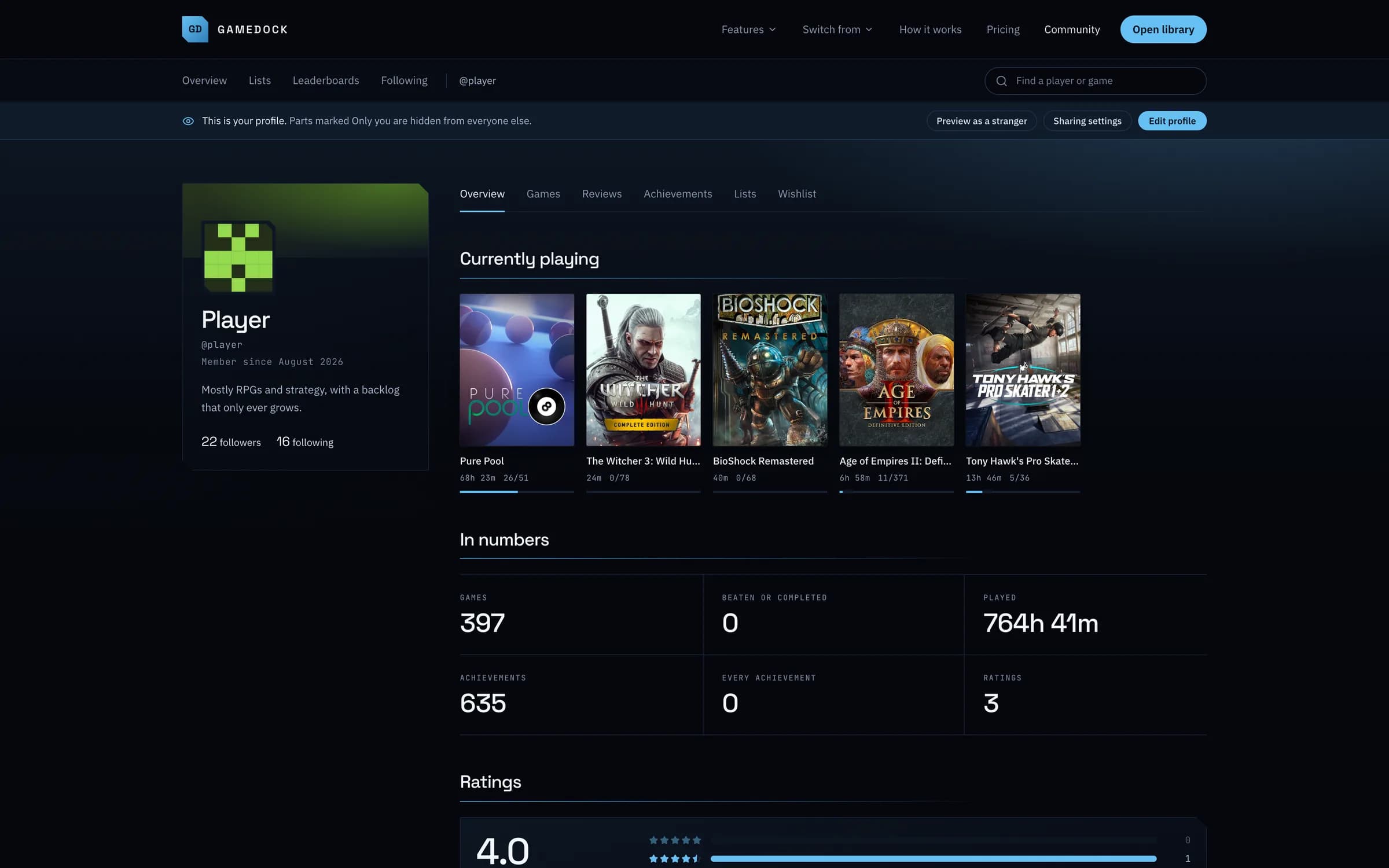
Everything starts private. Switch on a profile, reviews, lists and leaderboards part by part, and follow the people whose taste you trust. What you paid is never on any of it.
- Free
- Private until you switch it on
01
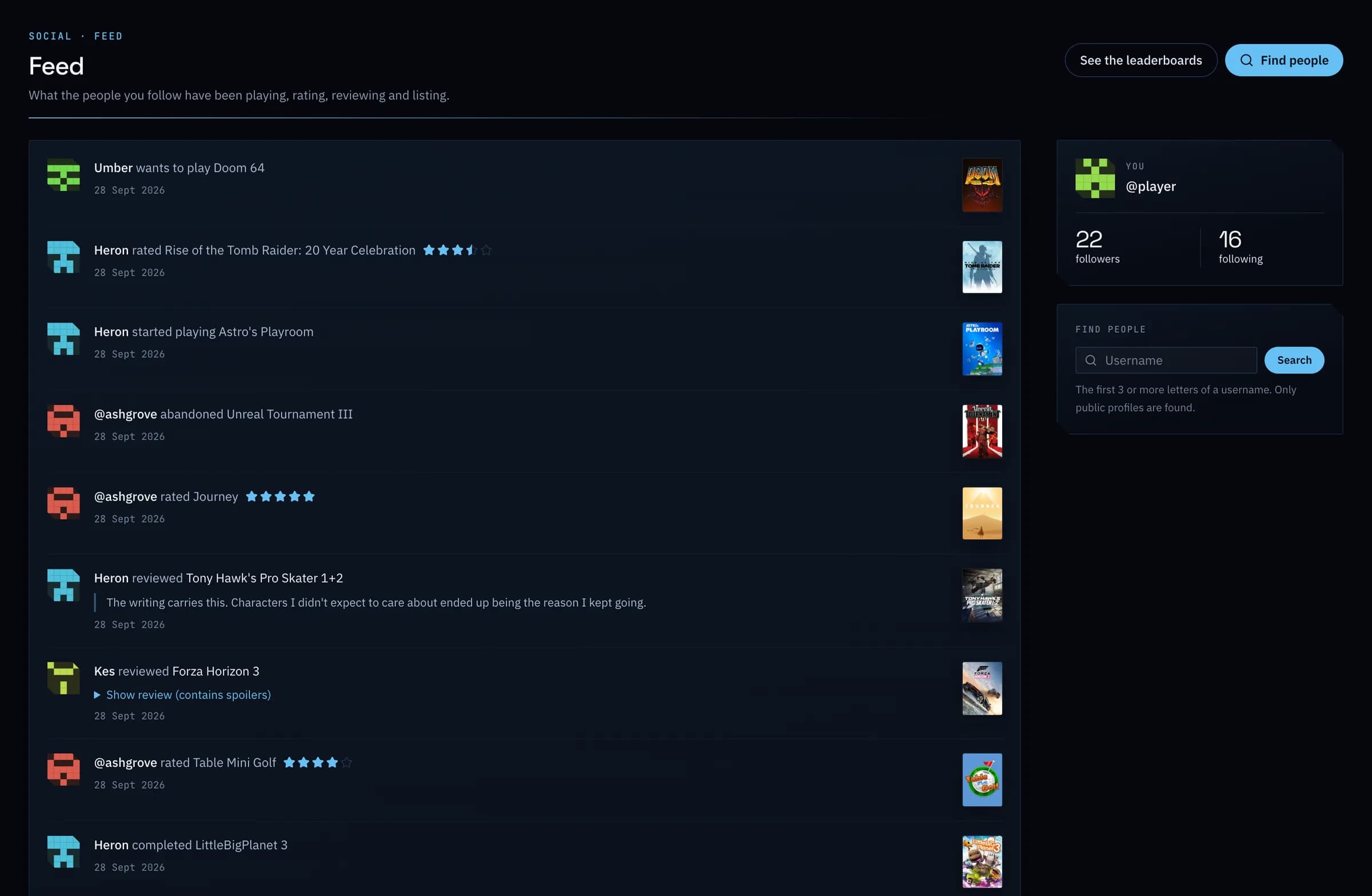
Follow people, see what they play.
What the people you follow play, rate, review and list, in one feed. People who follow each other are friends, and you can share parts of your account with friends only.
02
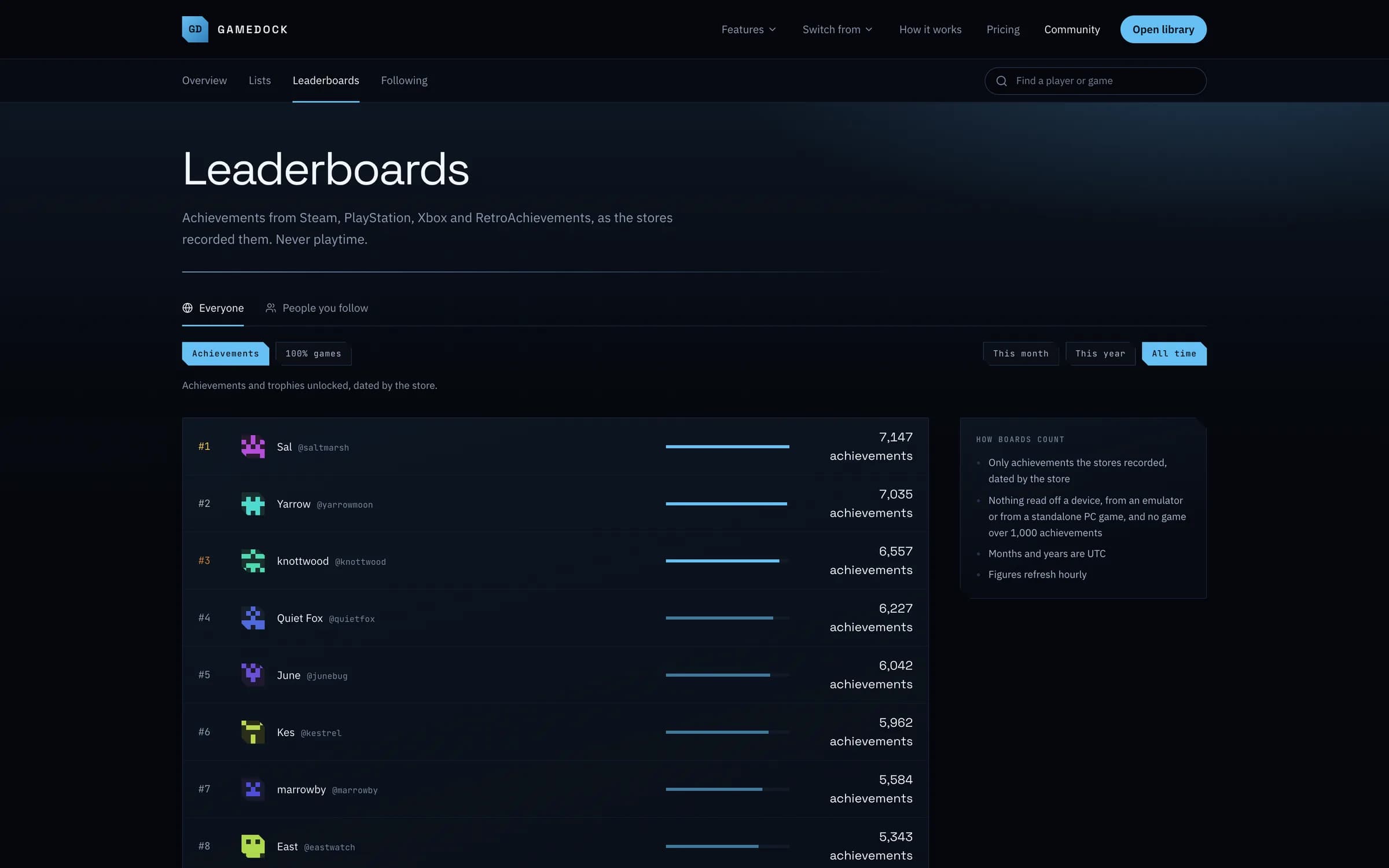
Leaderboards that count only what the stores recorded.
Compare achievements and 100% games with the people you follow, or with everyone who chooses to appear. Never playtime.
03
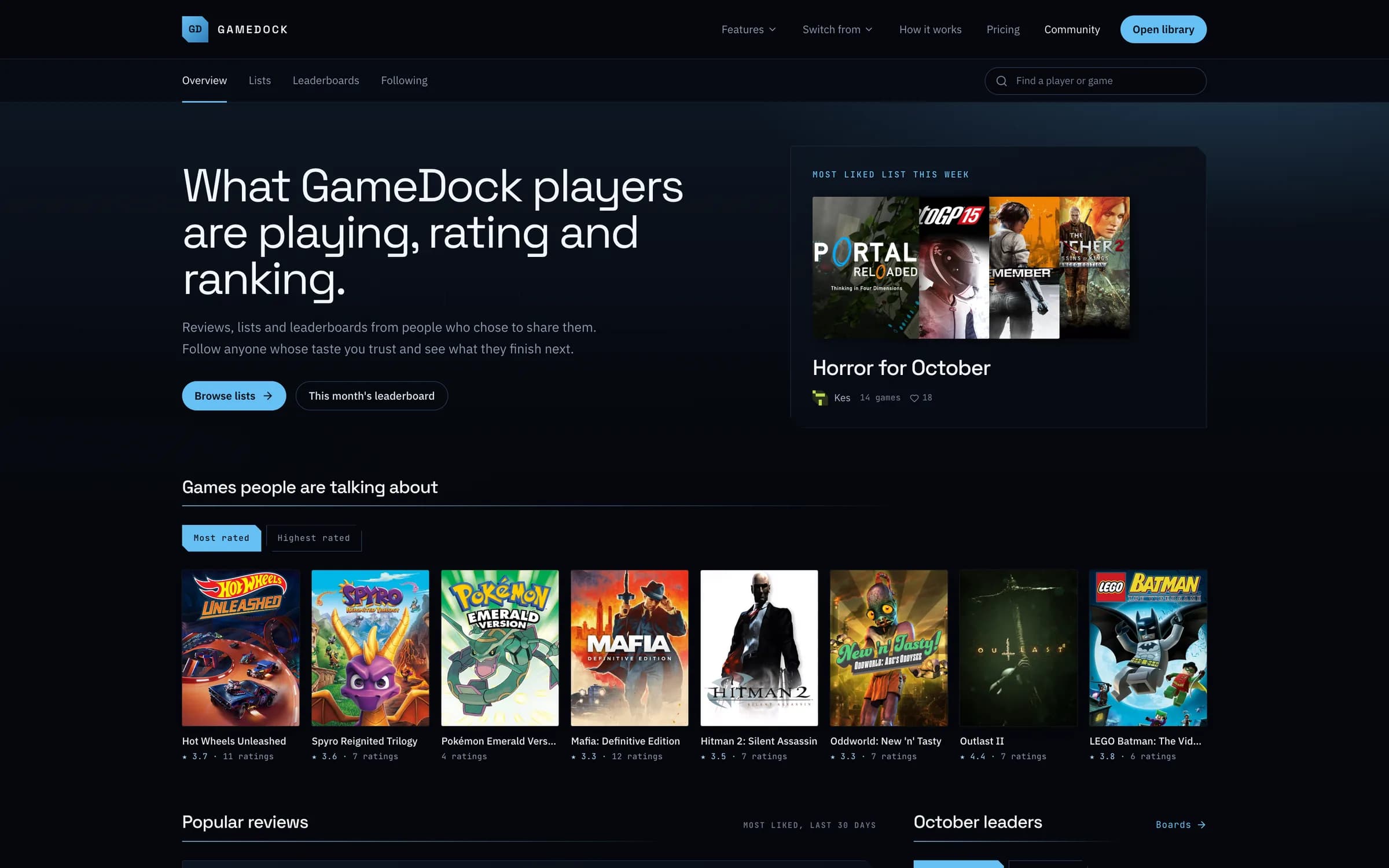
A community to browse.
The lists people have made, the reviews they like most and the games they are rating, showing only what each person chose to share.
Everything it does
Sharing, in full.
- A profile you fill in yourself
- A page at /community/user/ and your username that shows only the parts you choose: your library, playtime, achievements, ratings and reviews, lists, activity and wishlist. Share each part with everyone, with friends, or with nobody. What you paid is never on it.
- Reviews
- Write a review of any game from its page. Spoilers stay folded until a reader opens them, and the hours you really played sit beside what you wrote.
- Follow other players
- Follow people and see what they play, rate, review and list in one feed. People who follow each other are friends, and you can share parts of your account with friends only.
- A community to browse
- Find the lists people have made, the reviews they like most, the games they are rating and players worth following, and like the lists you want to keep. It only ever shows what each person chose to share.
- Leaderboards
- Compare achievements and 100% games with the people you follow, or with everyone who chooses to appear. Only what the stores themselves recorded counts, never playtime.
- A page for every game
- See what people who share their ratings think of a game, read their reviews, and see who finished it first. It never shows who owns a game or how long anyone played.
- Report and block
- Report anything that should not be there, and block anyone you would rather not see. A person reads every report.
Is my library public?
Not unless you make it so. Every account starts fully private. In Account › Privacy you can share a profile and choose, part by part, whether it shows your library and play status, playtime, achievements, ratings and reviews, lists, activity and wishlist, to everyone, to friends (people you follow who follow you back) or to nobody. A profile shared with everyone can appear in search engines unless you switch that off on the same page. You can keep any single game off it from the game's page, and preview the page exactly as a stranger sees it.
Can I write reviews?
Yes, on both plans: one review of each game, written from its page, with a box to tick if it has spoilers, which folds it until a reader opens it. Reviews are shared with your ratings, only as far as your Ratings and reviews setting allows, and show how many hours you really played when you share your playtime too. People who can read a review can like it; there are no comments.
Can I follow other players?
Yes, on both plans. Follow anyone with a public profile, and your Feed shows what they play, rate, review and list, as far as each of them shares it. Following is one-way with no approval; people who follow each other are friends, and can share parts of their accounts with friends only. Someone who keeps their profile private can still follow you back first. The feed never shows what anyone bought or spent.
Can I report someone, or block them?
Yes, on both plans. Every review, shared list and profile has a Report button, signed in or not, and a person reads every report; the account reported is not told who sent it. You can also block an account from its profile: while you are signed in, neither of you sees the other's profile, reviews or lists anywhere on GameDock, and they are not told. A block ends any follows and likes between you, and unblocking from Account › Privacy does not bring them back. The rules for anything shared with other people are in the terms.
See it with your own library.
Connect a store, and this is filled in from your own games after the first sync.